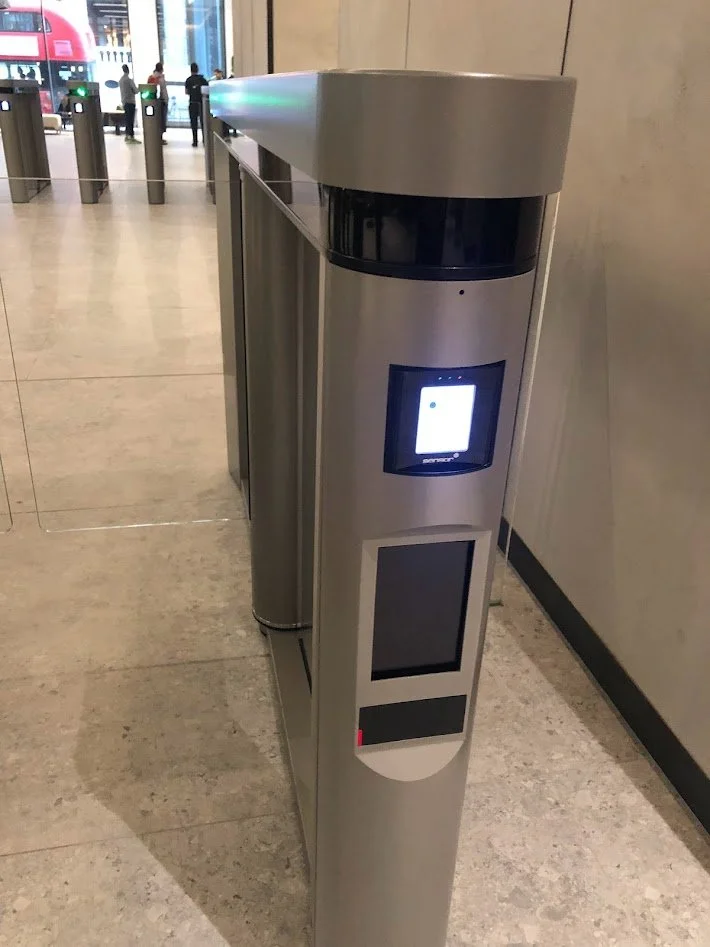
QR Code Readers for Paxton Net2
Add QR code access to an existing Paxton Net2 system without changing controllers. Our QR readers connect to a Net2 ACU reader port over Wiegand, so each QR code is added to a user as a normal token number, with access permissions and validity set in Net2 as usual. Ideal for visitors, contractors and temporary staff who need access from their phone.
UK based global supplier since 1999 | 2-year warranty | Call 01273 242355
How it works with Net2
1. Wire it in: connect +12V, 0V, D0 and D1 to a Net2 ACU reader port.
2. Choose the card format: 26-bit readers use Net2's standard 26-bit Wiegand format, and 34-bit readers use a custom card format from our setup guide.
3. Add QR tokens: scan a test code, check the number in the Net2 event log, then add each QR number to a user as their token.
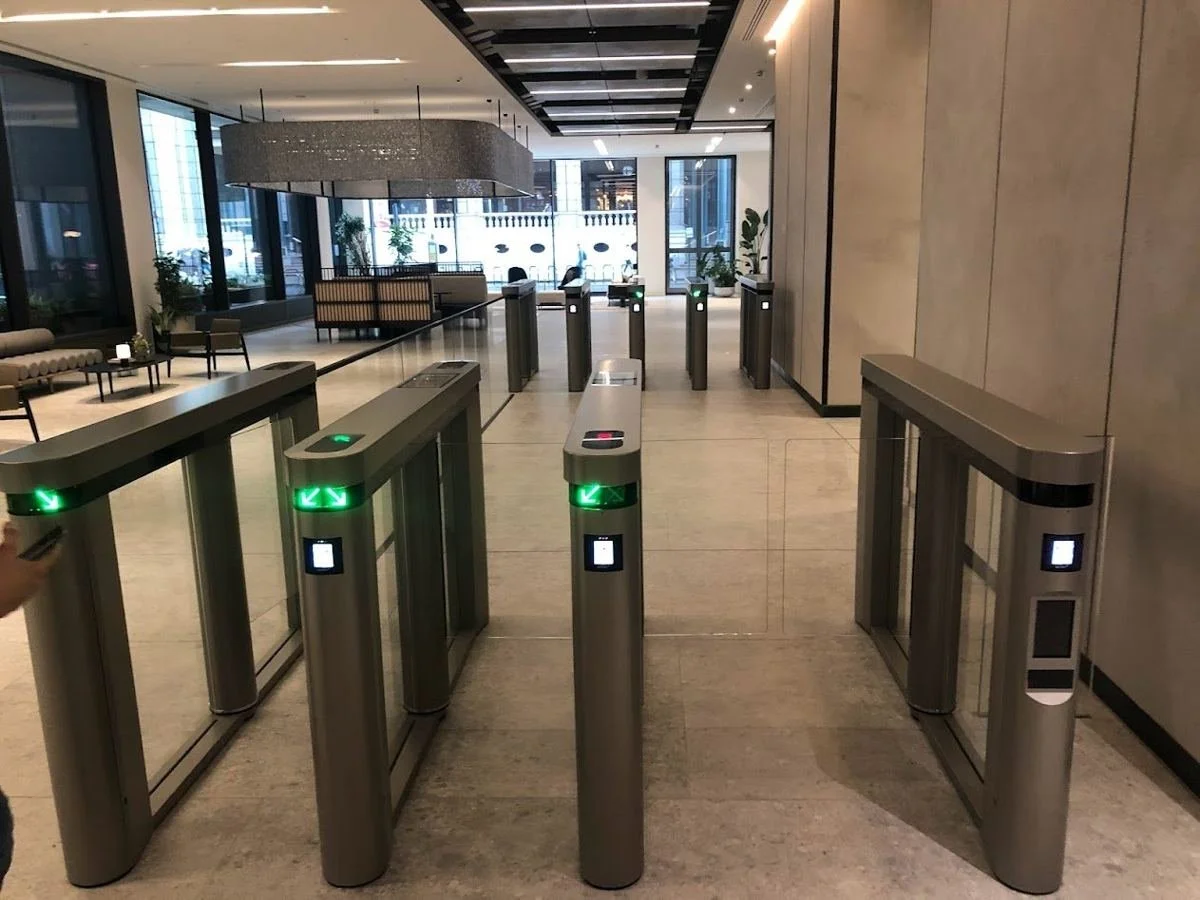
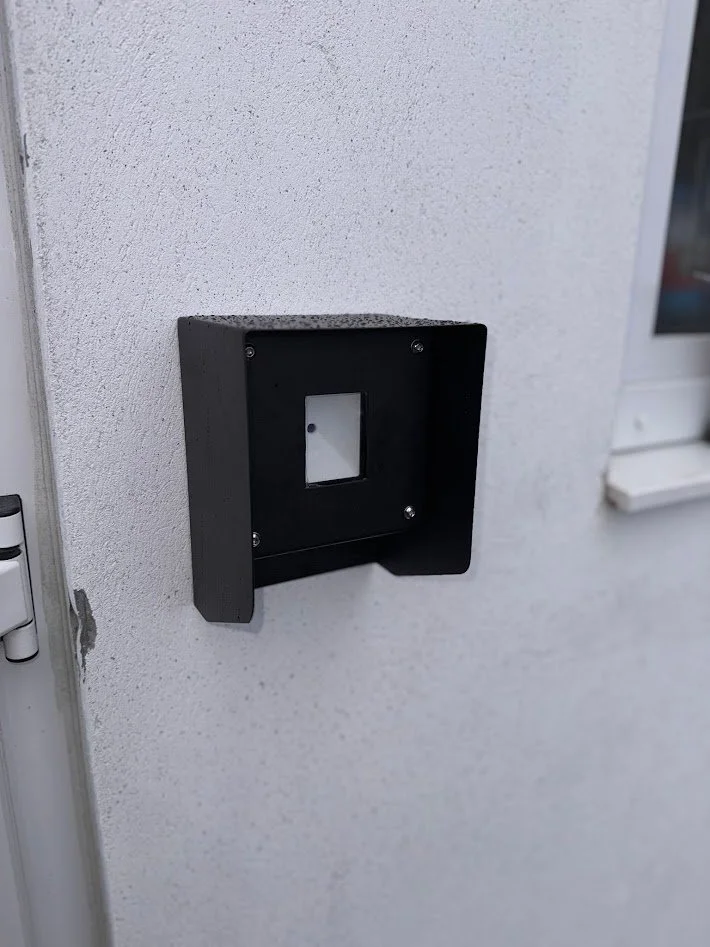
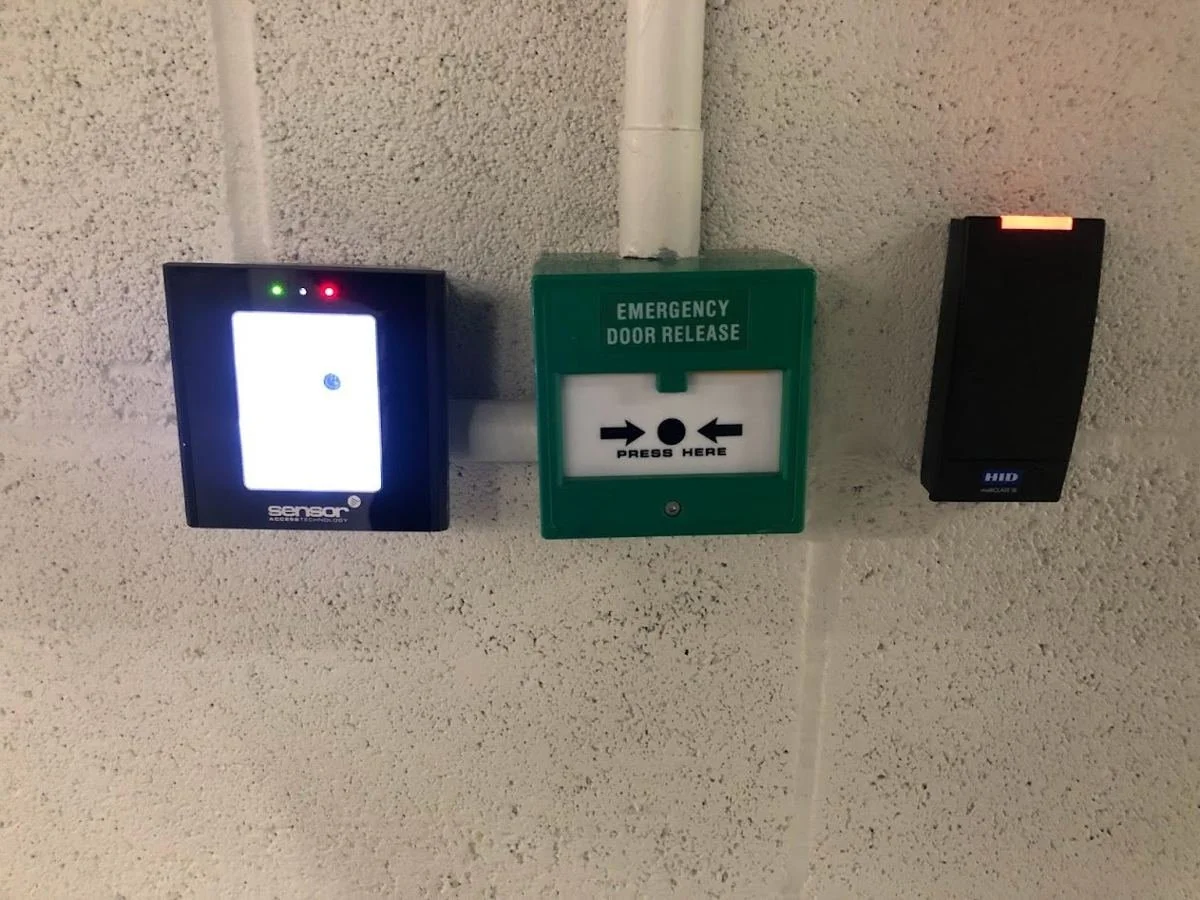
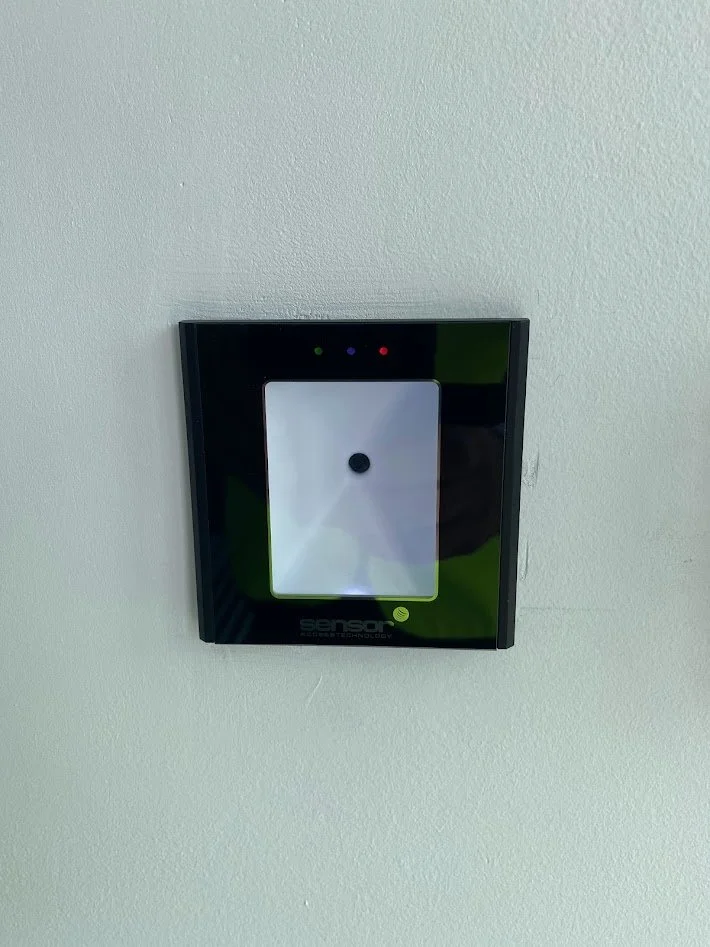
QR readers offer a simple, flexible way to manage access for visitors, contractors and temporary users without having to issue physical cards or fobs. QR credentials can be generated and distributed remotely to a user’s smartphone, then updated or revoked when required, making them ideally suited for facilities that see a large number of temporary visitors.
Choose QRCode for QR-only applications or QRProx-MF where QR and 13.56 MHz MIFARE card reading are required.
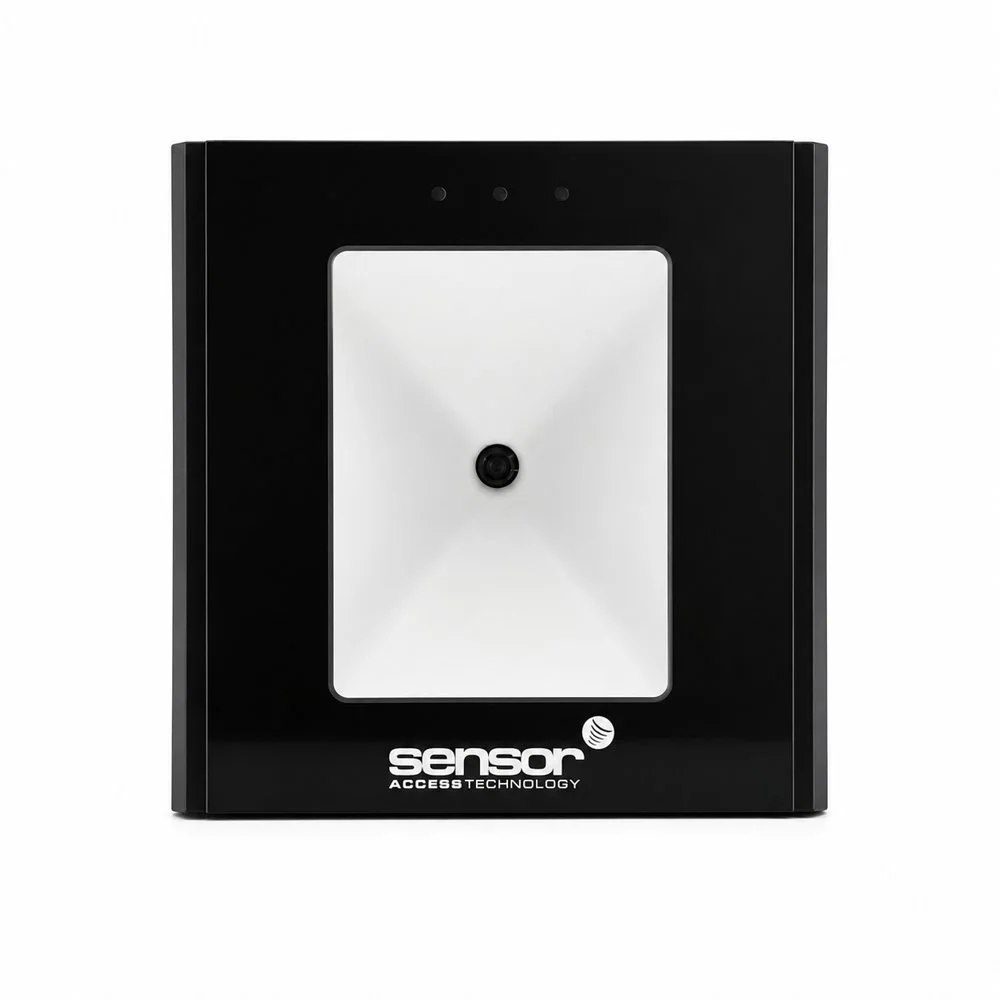
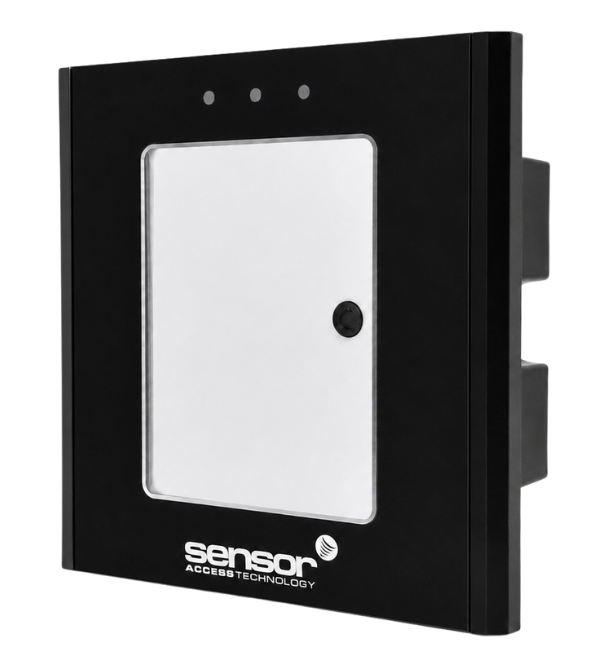
Flush mount QR and Mifare CSN reader. Slim Sleek design equipped with LED and buzzer for indication and Wiegand 34bit output. Wiegand 26bit output on request.
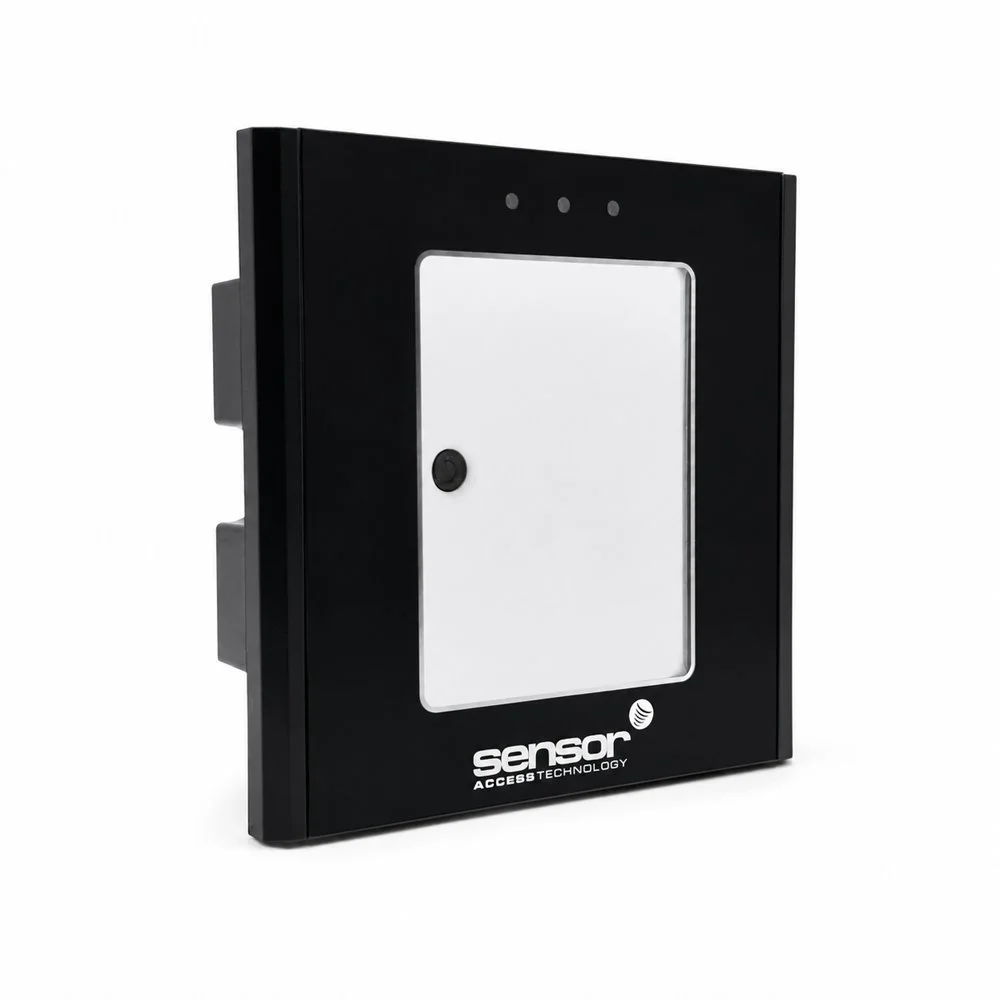
Flush mount QR code reader. Slim Sleek design equipped with LED and buzzer for indication.
Back box not included
QR Accessories
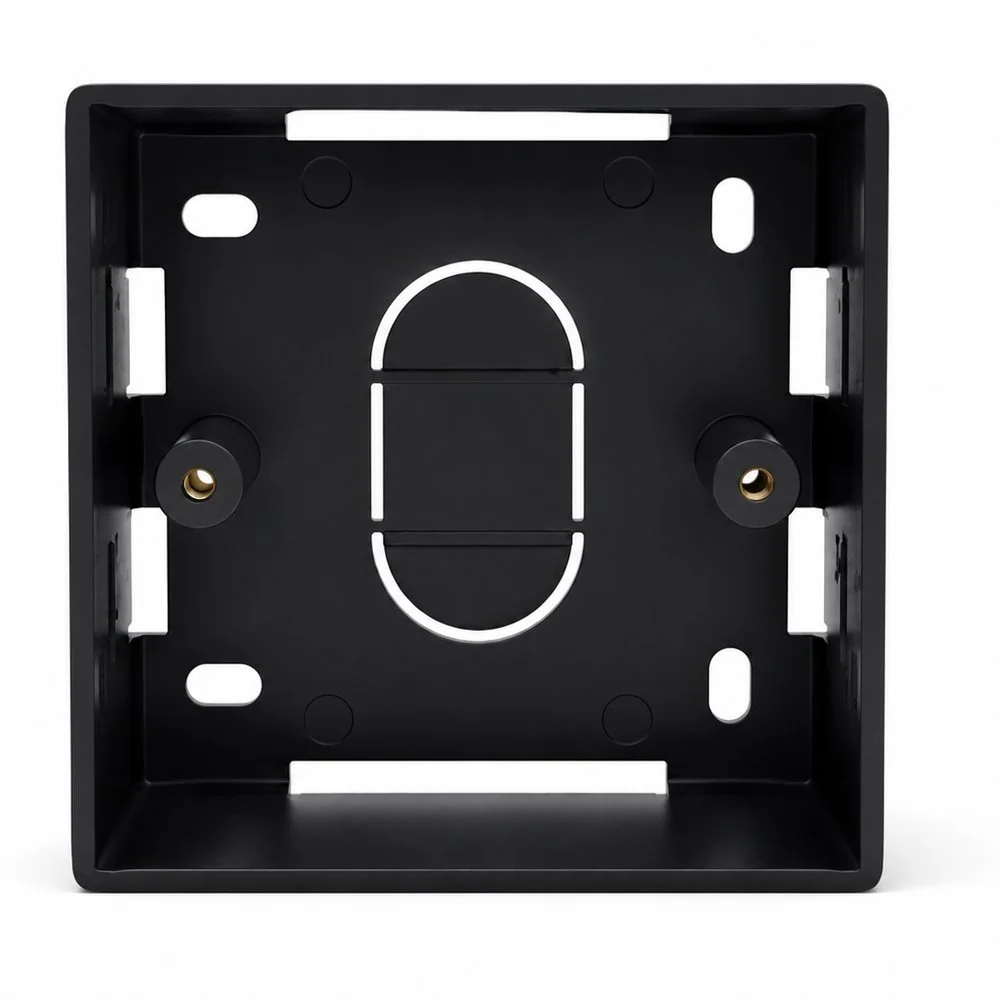
Item Details:
deeper than normal, these are 45mm deep externally, with 42mm of internal useable depth
single gang (approx 86mm x 86mm)
fit straight to the wall
made from strong flexible ABS material, so it won't crack if you overtighten it
*screws and fixings are not included, you have to provide your own
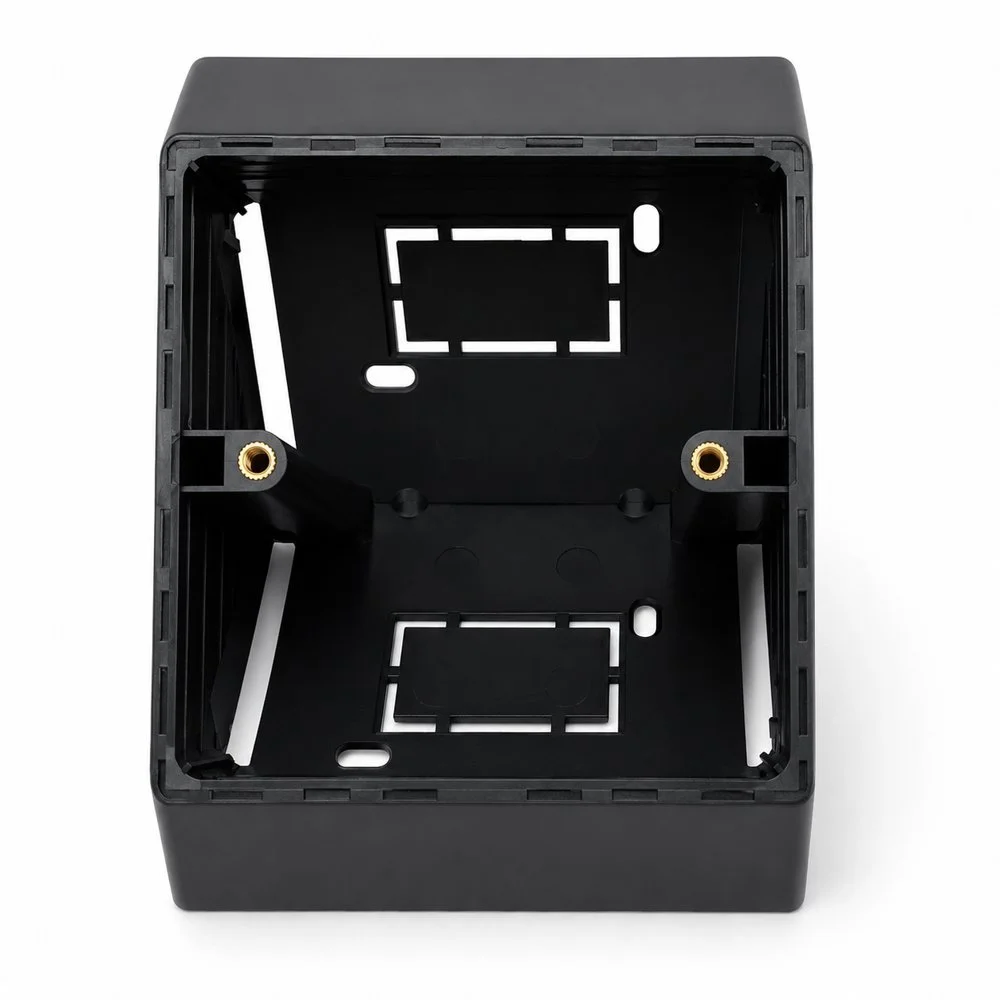
About this item:
45-Degree Angled Surface Mount: Ergonomically designed with a 45-degree angle for easier access to outlets or switches
Durable Construction: Built from high-quality materials to ensure a long-lasting and sturdy mount for your electrical installations.
Compact Size: Measuring 85mm x 85mm
Use Cases
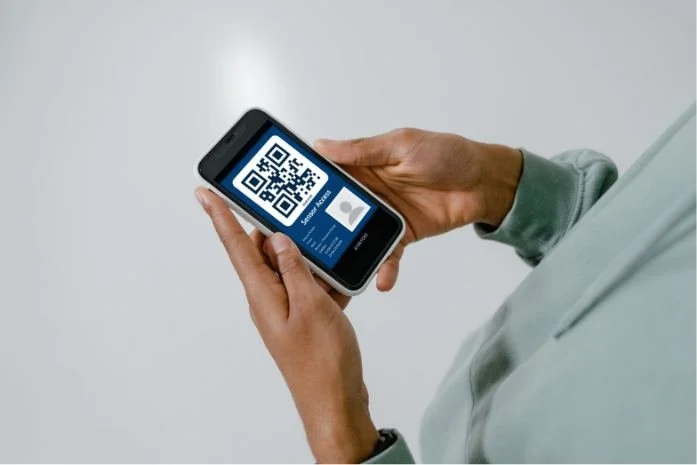
Visitor Management
With Sensor VMS, visitors receive a QR code pass by email and present it on their phone at the reader. No card to issue or collect.

Contractors
Give contractors a QR code added to their Net2 user as a token, with only the access permissions they need.

Events
Continuous scanning mode keeps queues moving at high-traffic doors.

Office meeting rooms
Let staff and guests into meeting rooms with a QR code on their phone, with access limited to the rooms and times set in your access control system.
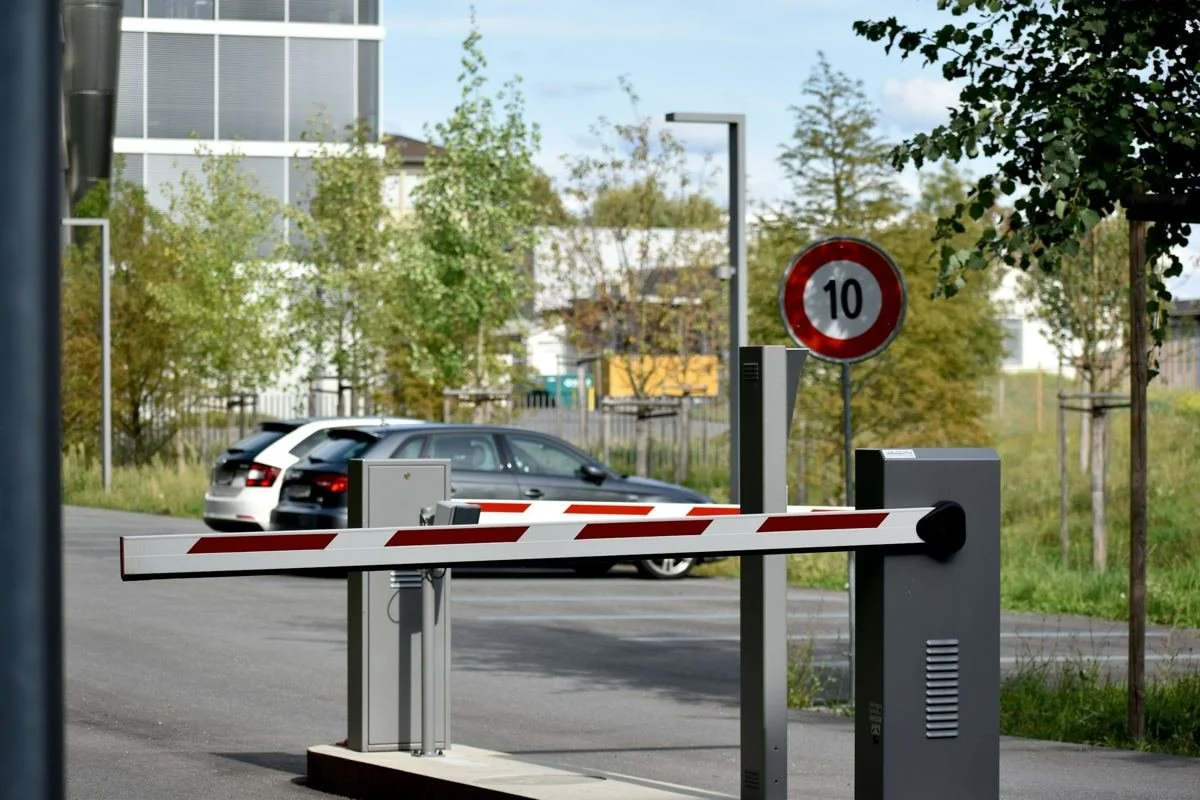
Parking Barriers
Continuous mode suits high-traffic doors and parking barriers, where speed matters most.
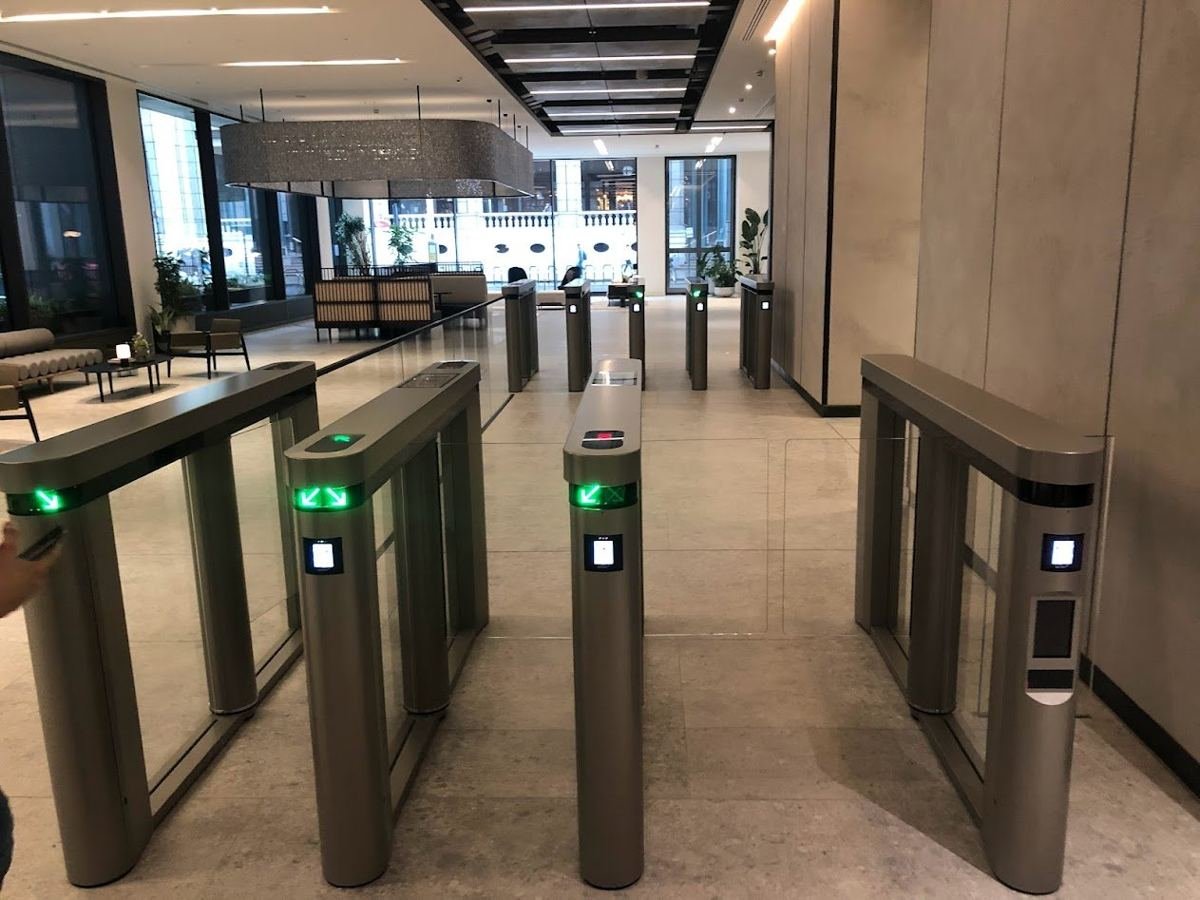
Attendance and Anti-passback
Single scan mode suits controlled doors and accurate event logging.
FAQ
Does it work with Paxton Net2?
1
Yes. It connects to a Net2 ACU reader port over Wiegand and each QR code is added to a user as a token number. Our Net2 setup guide walks you through it.
Which Wiegand format do I set in Net2?
2
Readers can be configured for Wiegand 26-bit or 34-bit when you order. 26-bit readers use Net2's standard 26-bit format, and 34-bit readers use a custom card format, listed in our setup guide. Scan a test QR code containing 1234 and use the format that shows 1234 in the Net2 event log.
Can one scan log more than one entry?
3
Readers ship in continuous scan mode, which can log more than one entry if a phone is held at the reader. Single scan mode is available when you order.
How are the QR codes created?
4
QR codes are static and can be created in Sensor VMS, our visitor management software. Their validity times and dates are set in Net2 like any other token.
Yes. We configure QRProx-MF readers to your requirements when you order. Call us on 01273 242355 to talk it through.
5
Can the reader be set up for my site?
Ready to upgrade?
Talk to us about trade pricing or join our partner programme.